

BSO AI Insights is a list of suggestions and alerts that BSO AI writes for you from what happens on your account, for example an enquiry that has had no quotes, quotes worth reviewing, or a job with new applicants. Each one is a card with a short reason and a button that takes you to the right page.
Insights are written by the platform; you do not ask for them. To ask BSO AI something yourself, use BSO AI Chat.
Before you start
- A BSO account, signed in. The cards follow the role you are using.
Find BSO AI Insights
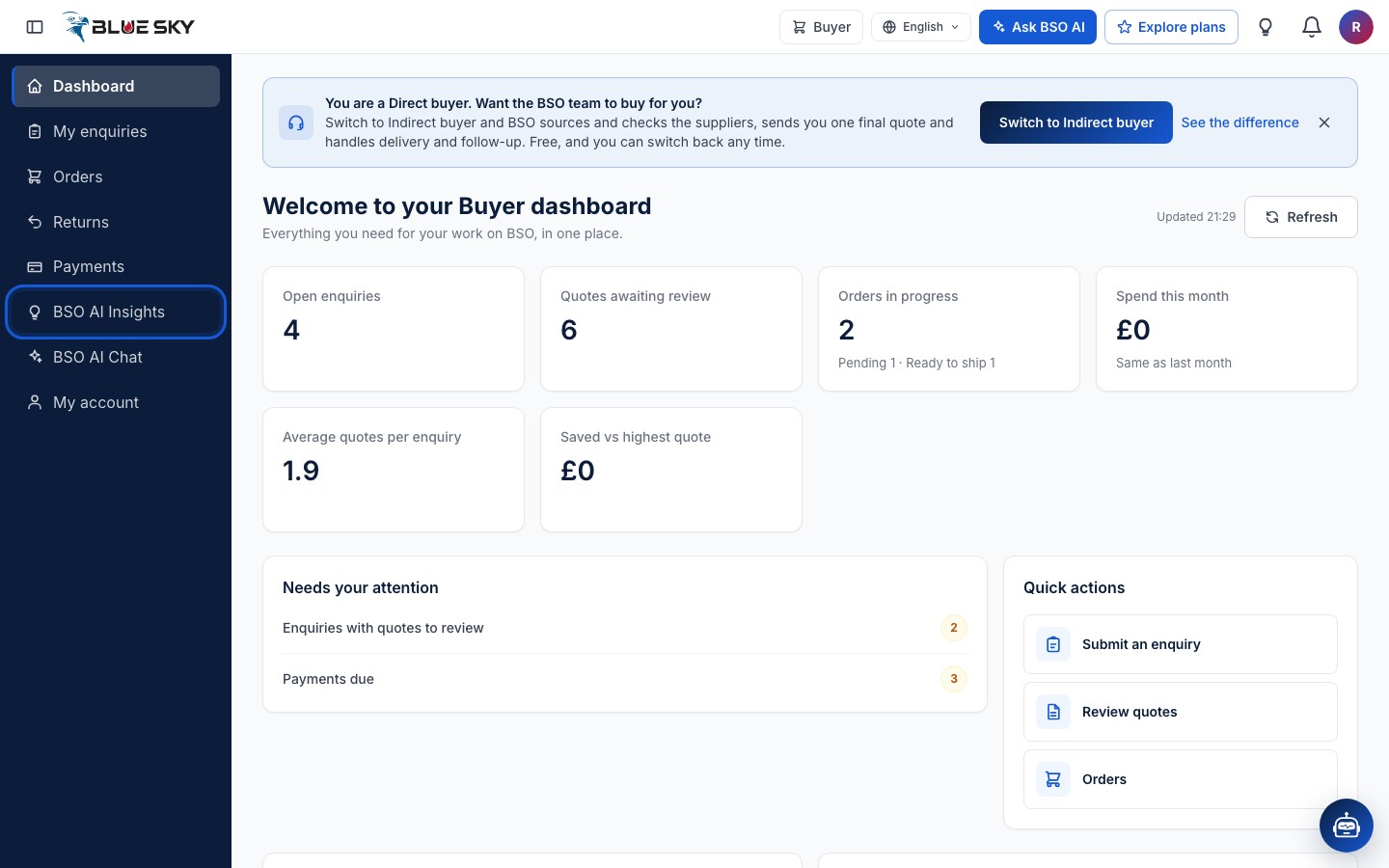
Click "BSO AI Insights" in the left menu of your dashboard, or the lightbulb in the top bar. The page is bsoservices.ai/insights. Your dashboard home also shows the latest cards with a "View all" link.
Watch the lightbulb
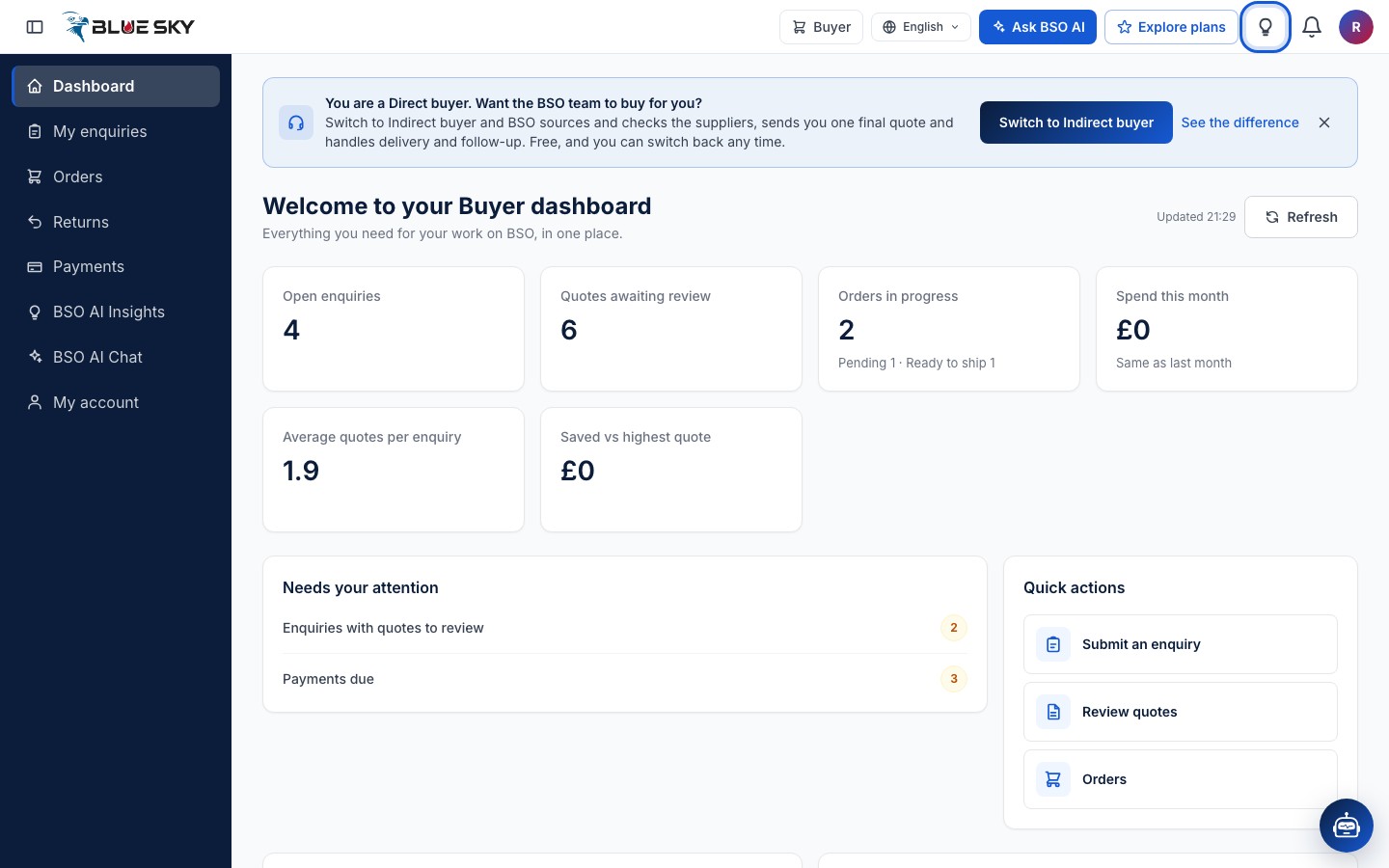
The lightbulb in the top bar carries a red badge with the number of new insights you have not dealt with. It is hidden when there are none.
Read the New tab
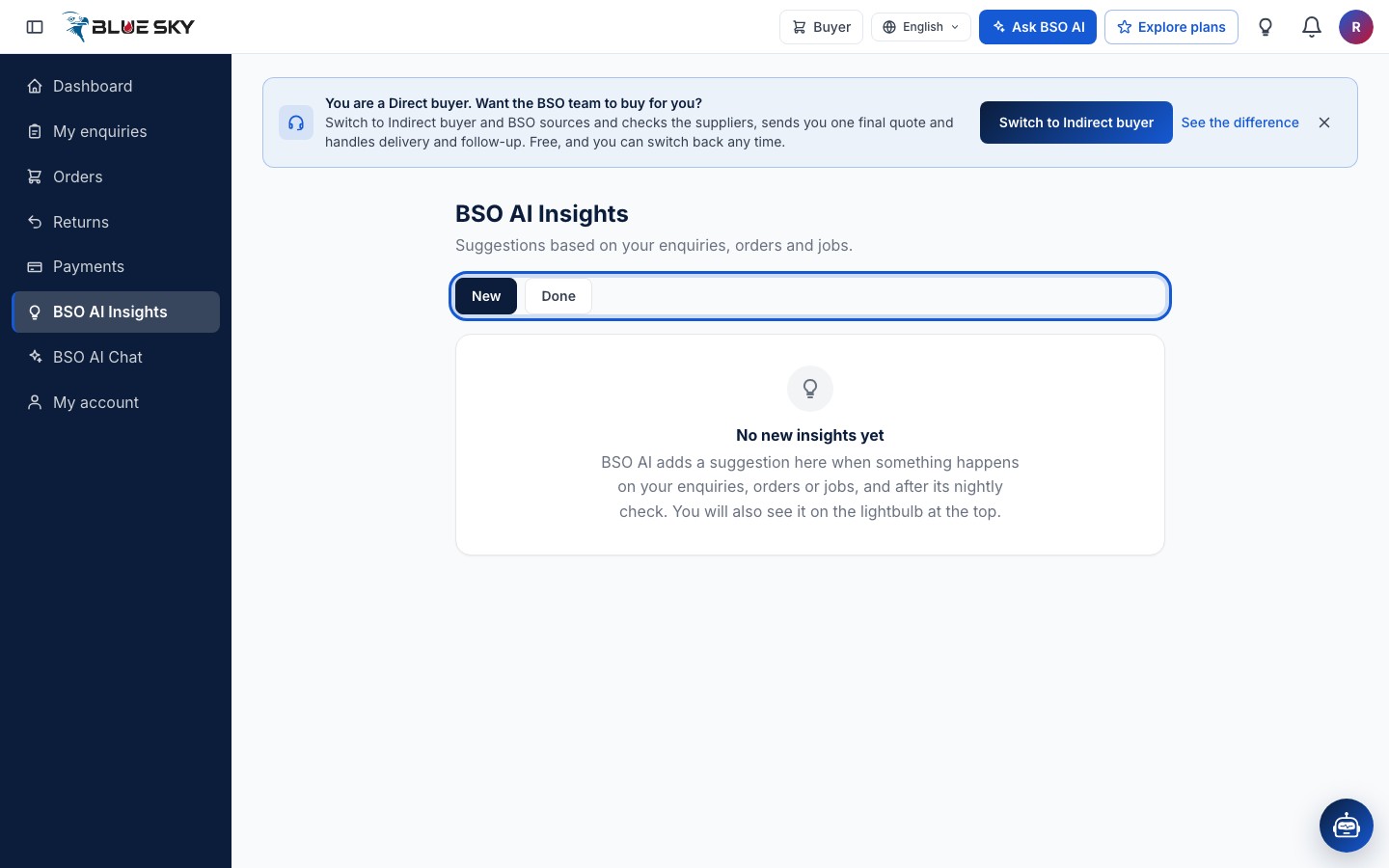
The page opens on "New". Each card has a title, a short reason you can expand, an action button that opens the page it talks about, and a Dismiss link. When there is nothing new the page says so: BSO AI adds a suggestion when something happens on your enquiries, orders or jobs, and after its nightly check.
Check the Done tab
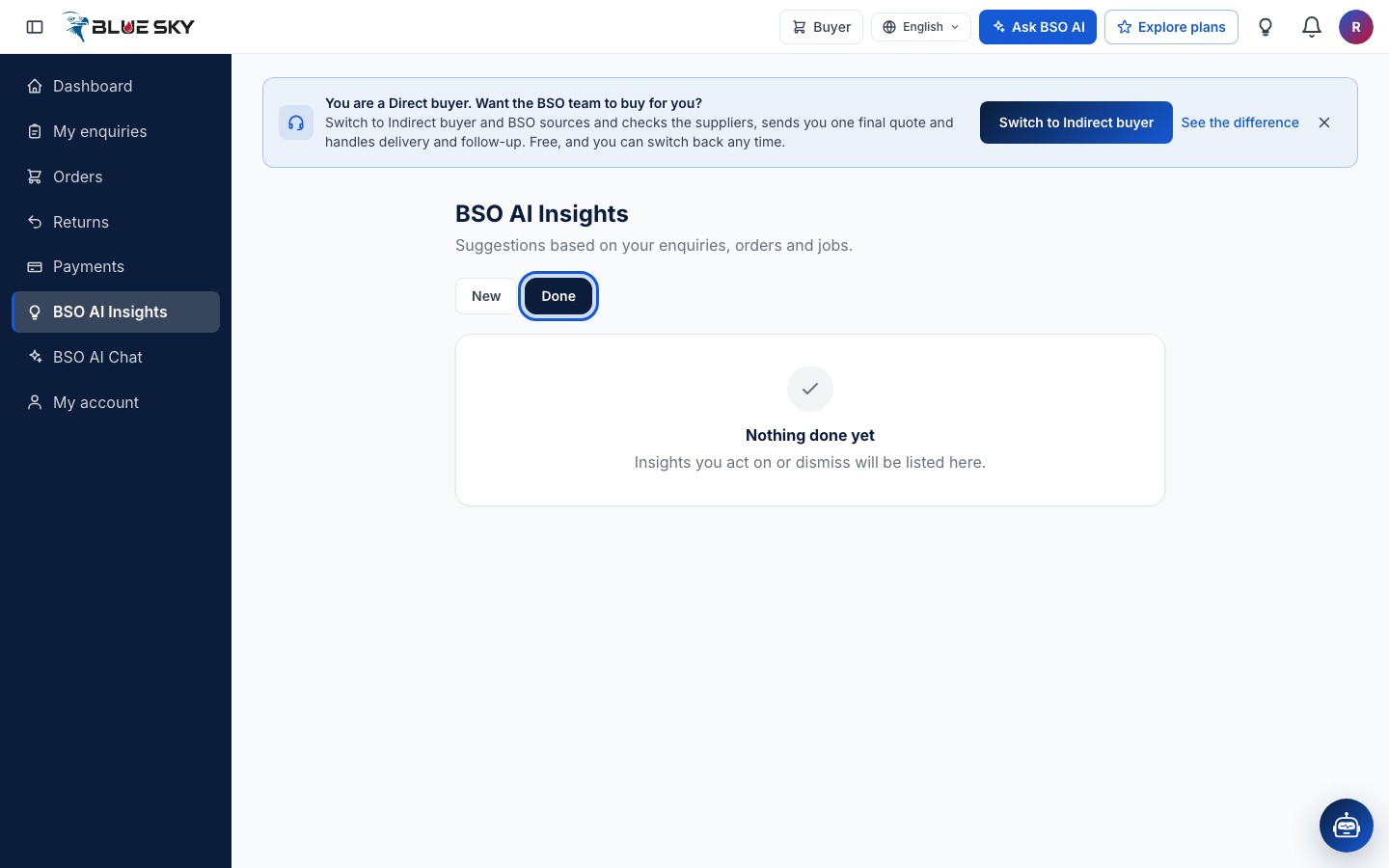
A card you acted on or dismissed moves to "Done", so the New tab only ever holds what still needs you. Dismissing a card does not change the record it was about.
Good to know
- Ask BSO AI Chat what you should do next and it reads your insights first.
- The nightly check writes cards for buyers, recruiters and job seekers today; supplier suggestions are marked as coming soon on the page.
Related guides
Still stuck? We are here.
Open BSO AI Chat inside the platform, or email the support team. Monday to Friday, 07:00 to 17:00 UK time.