

BSO AI is the assistant inside your dashboard. It reads your own records on the platform (your enquiries, quotes, orders, products, jobs, payments, profile and plan) and answers in plain language, with a link to the record it talks about.
Reading is free and immediate. When you ask it to change something, it shows a preview first and waits for your approval: see Let BSO AI act for you. You can also talk to it out loud: see Live talk.
Before you start
- A BSO account: BSO AI works on the records of the account you are signed in to.
- Any role. The answers and the actions on offer follow the plans active on your account (the free buyer plan counts), whichever role is picked in the switcher.
Open BSO AI Chat
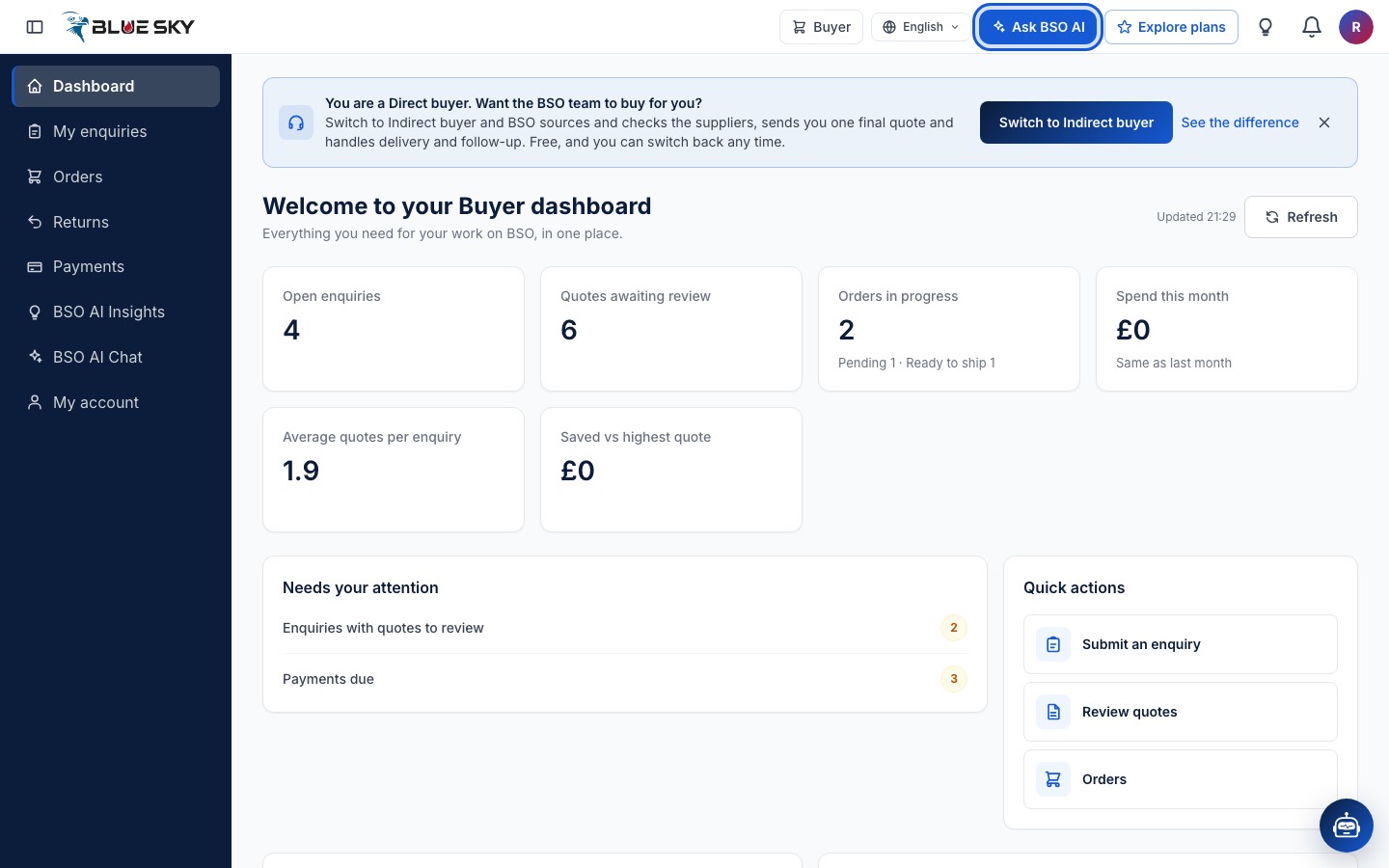
Click "Ask BSO AI" in the top bar of your dashboard, or "BSO AI Chat" in the left menu. Both open the same page, bsoservices.ai/bso-ai.
Start a chat
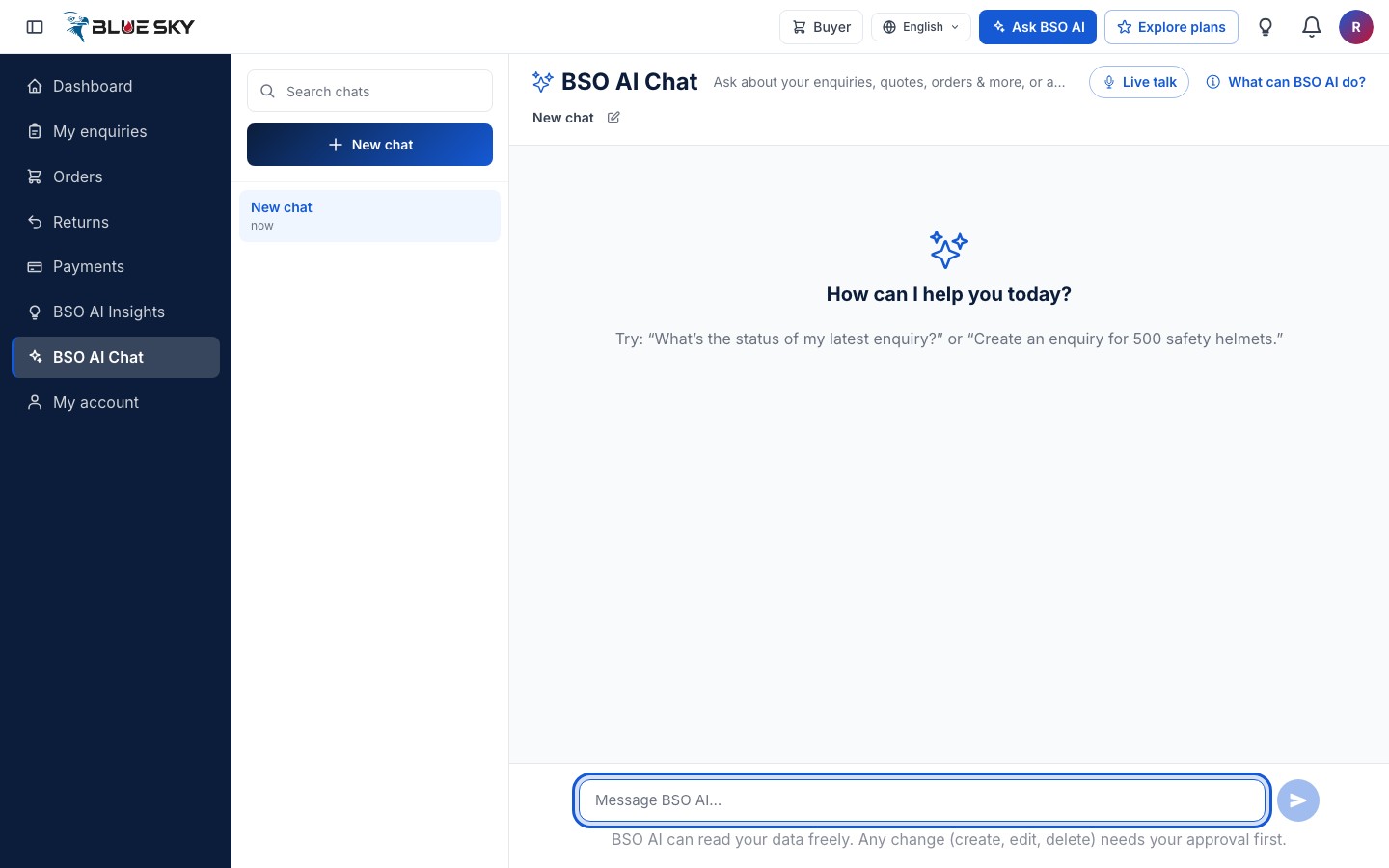
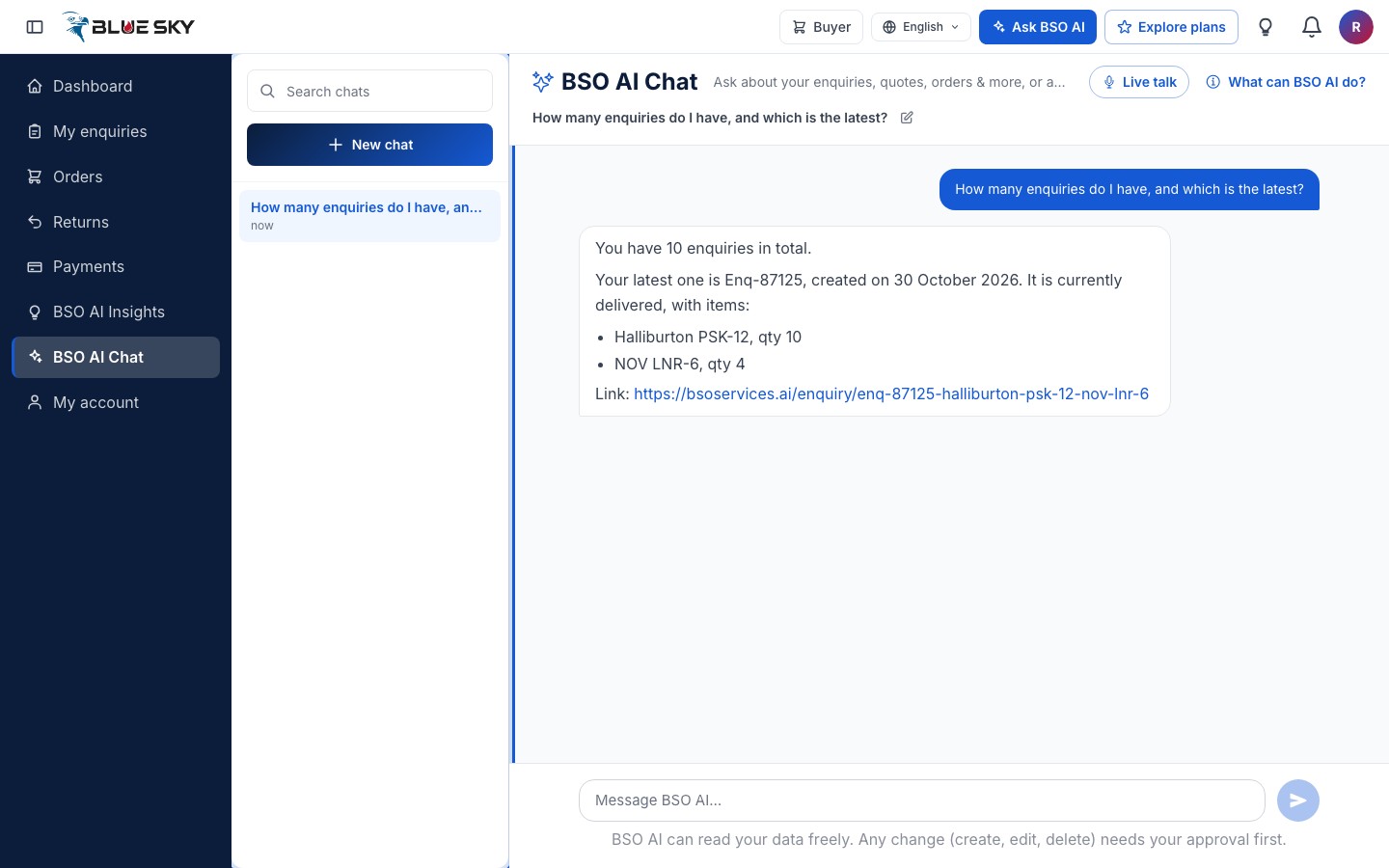
Click "New chat" at the top of the list on the left. Your message box is at the bottom of the page. The line under it reminds you of the rule: BSO AI can read your data freely, and any change needs your approval first.
See what it can do
Click "What can BSO AI do?" at the top right of the chat. The dialog lists example questions, the topics it covers (enquiries, quotes, orders, products, jobs, payments, your profile, company and team, and plans) and the actions it can prepare for your approval. Click "Got it" to close it.
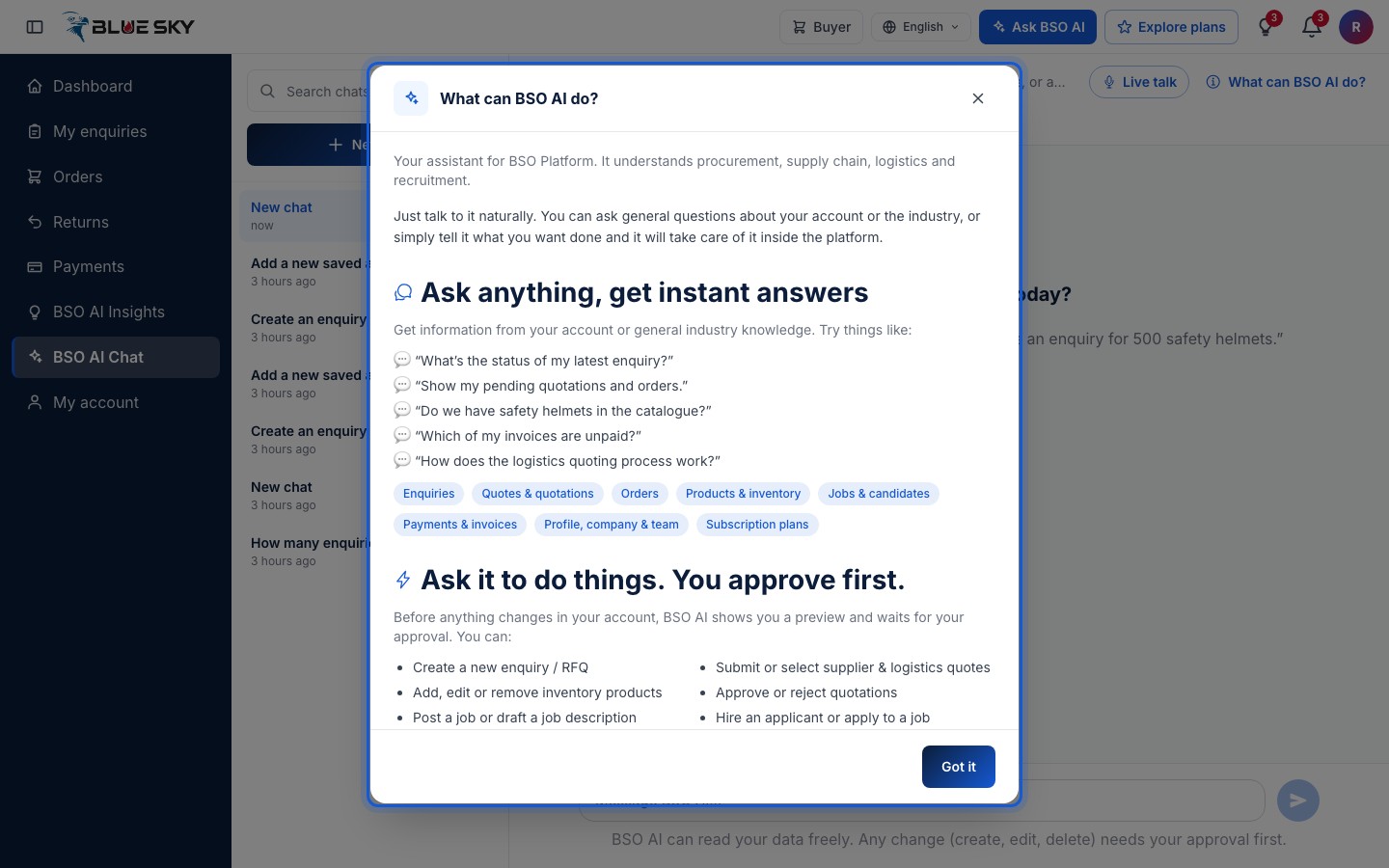
The actions on offer depend on the roles and plan on your account. If something is missing from the list, that is why.
Type your question
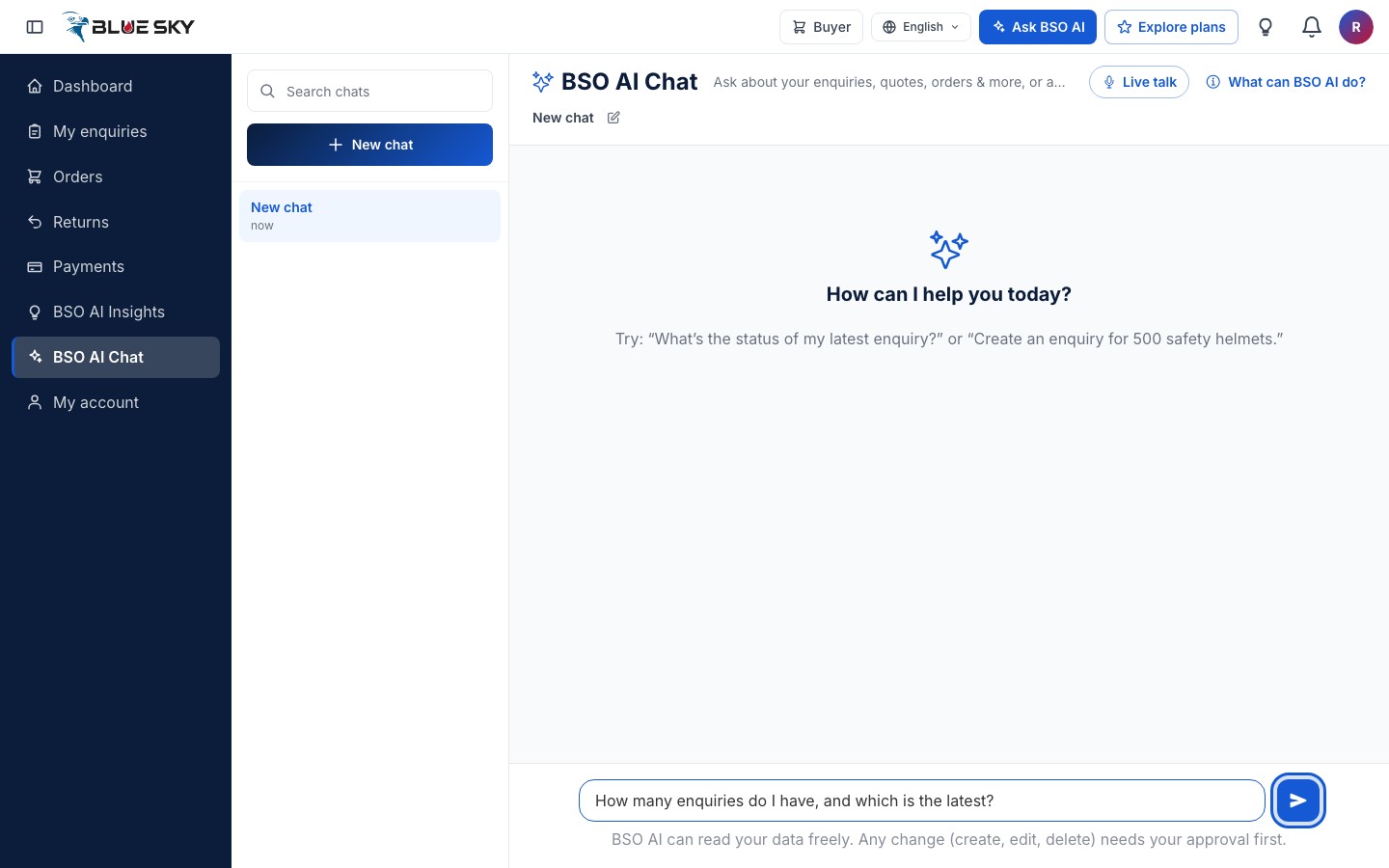
Write the question the way you would ask a colleague, for example how many enquiries you have and which is the latest, and press Enter or click the send arrow. Shift and Enter adds a new line.
Read the answer
BSO AI looks the facts up on the platform before it answers, so the numbers and statuses are the ones on your pages. When it mentions one of your enquiries or orders it adds a link that opens that record.
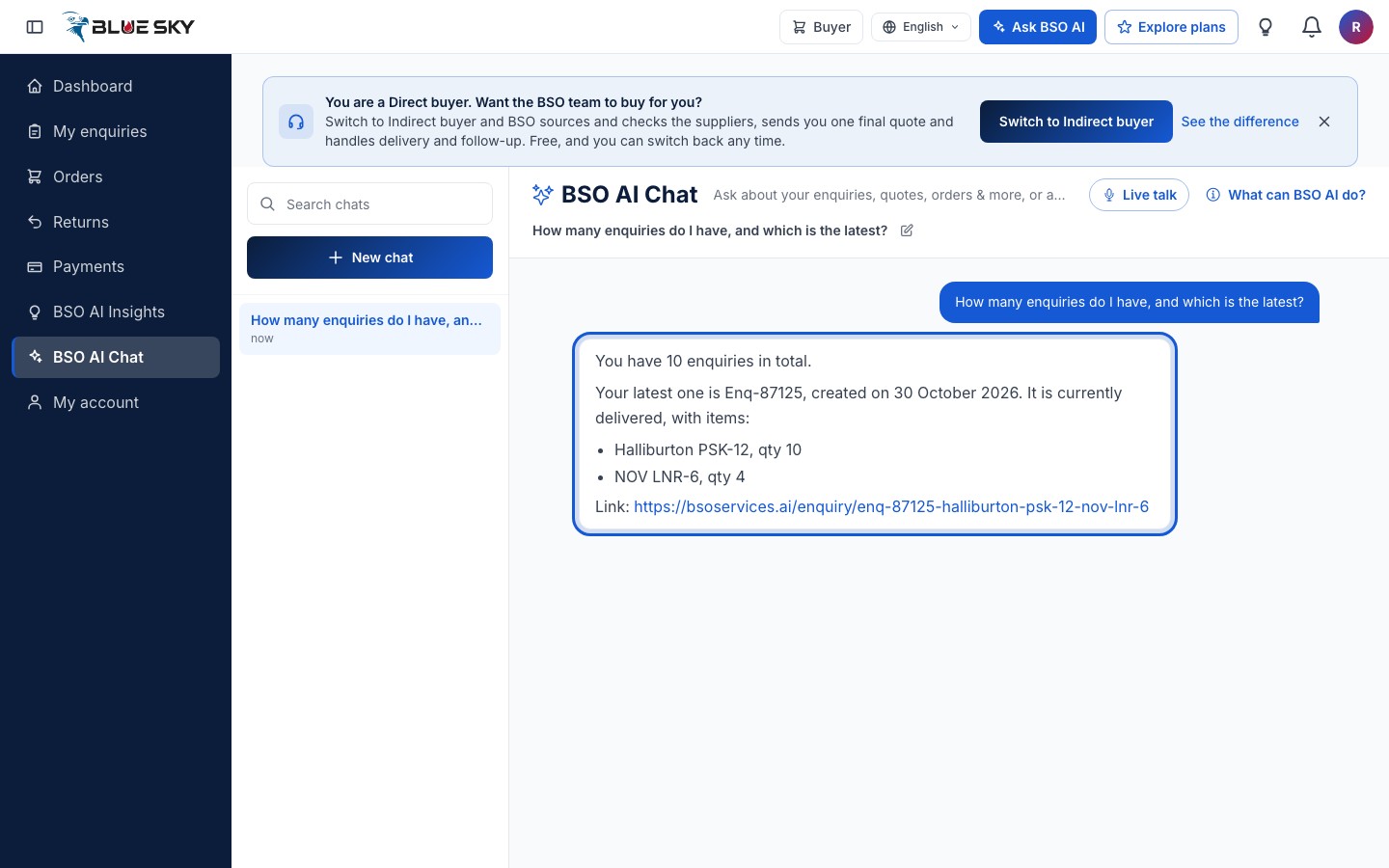
BSO AI never shows a price it did not find on the platform. If a quote has no price yet, it says so.
Find your chats again
Every chat is kept in the list on the left, newest first, and named after your first message. Use "Search chats" to find one. The pencil next to the chat title lets you rename it; a chat can also be deleted from the list, and that cannot be undone.
Good to know
- Ask follow-up questions in the same chat: BSO AI remembers what the chat is about.
- Ask what you should do next and BSO AI reads your suggestions and alerts first; the same list is on the BSO AI Insights page, see BSO AI Insights.
- BSO AI only works on your own account. It cannot see other users' records.
- On a phone the chat list is behind the Chat history button at the top of the page. The support chat on the public pages is a different, simpler assistant: see Live talk.
Related guides
Still stuck? We are here.
Open BSO AI Chat inside the platform, or email the support team. Monday to Friday, 07:00 to 17:00 UK time.