

My profile, in the left menu, holds the supplier profile you completed when you became a supplier: company, address, contact, bank details, certificates, policies and sample products. It also shows your BSO score, the 0 to 100 figure buyers see next to your quotes. Your sign-in details, password, team and plan live in My account instead (see Edit your profile and company).
Before you start
- The supplier role on your account.
Open My profile
Click My profile in the left menu, or go to bsoservices.ai/profile-supplier: What buyers and BSO know about your company. The header shows your company name and contact, a chip reading Verified company or Verification pending (whether BSO has verified the company), your BSO score, your email, phone, country and Member since. Edit profile is at the top right.
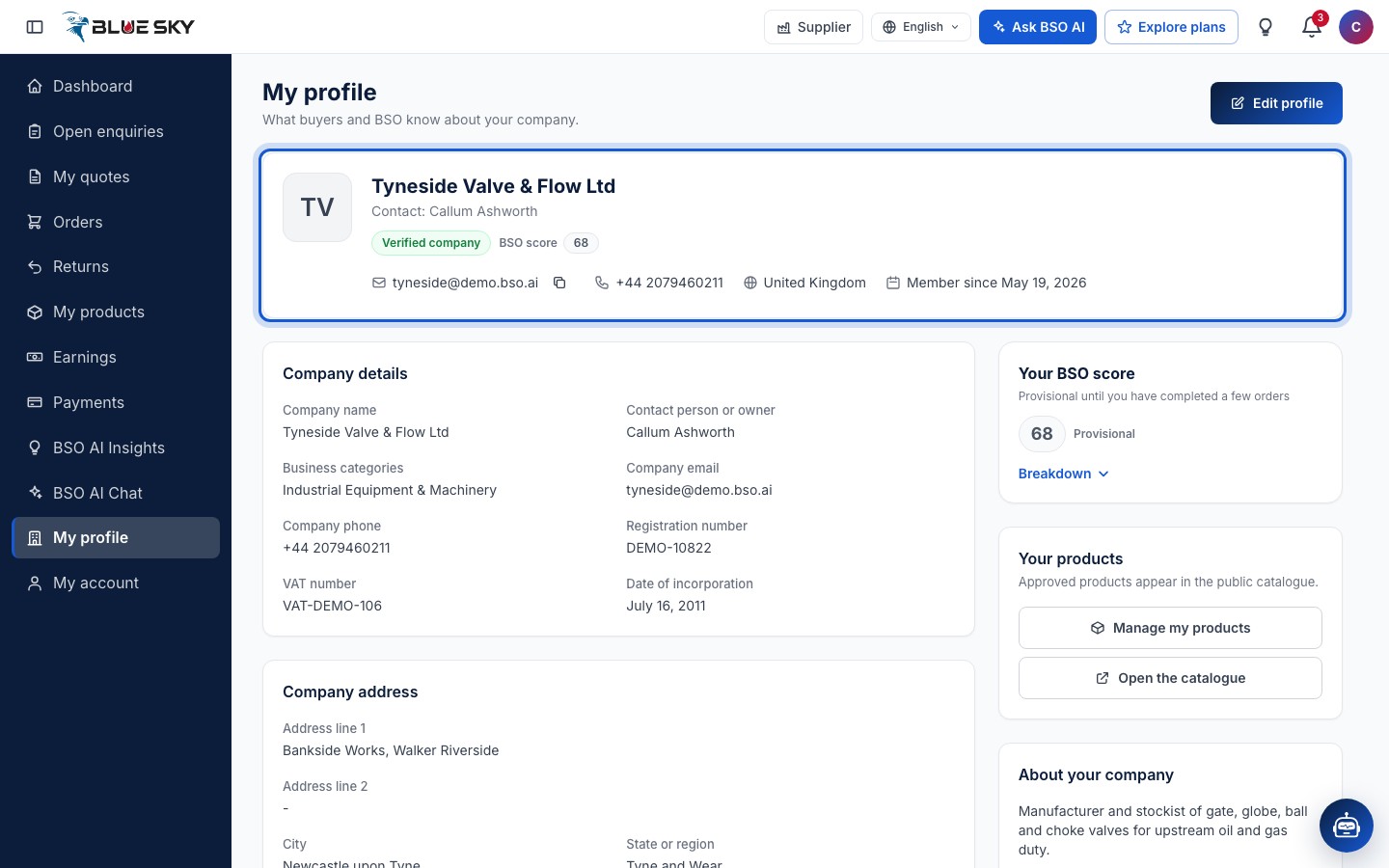
Your BSO score
The Your BSO score card shows the figure Out of 100, or Provisional until you have completed a few orders while it is based on little history. Breakdown opens the lines it is built from: On-time (deliveries made within the delivery time you quoted), Response rate (the share of enquiries in your categories you quoted on), Win rate (the share of decided enquiries that chose you), Cancellations (orders that were cancelled or ended in a return or exchange count against you) and Rating (the buyers' stars). How long you have been on BSO and whether BSO has approved your company count too.
The score is worked out again every night, after every order status change and after each rating. Buyers see it as a badge on your quotes: the number, marked Provisional in its tooltip while it is provisional, or New while you have no score at all; and the recommendation panel uses it when comparing quotes; see Compare quotes.
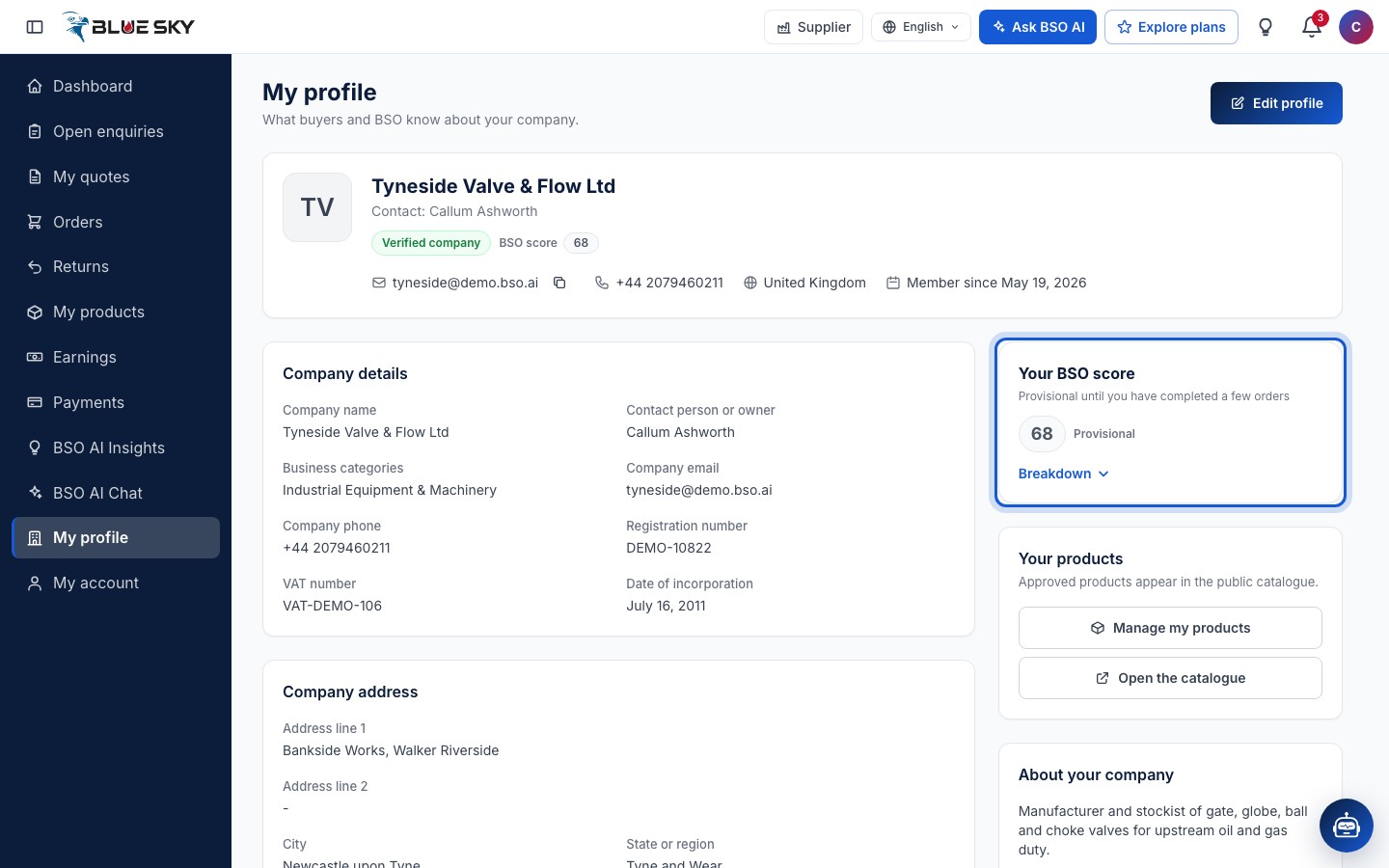
What the profile shows
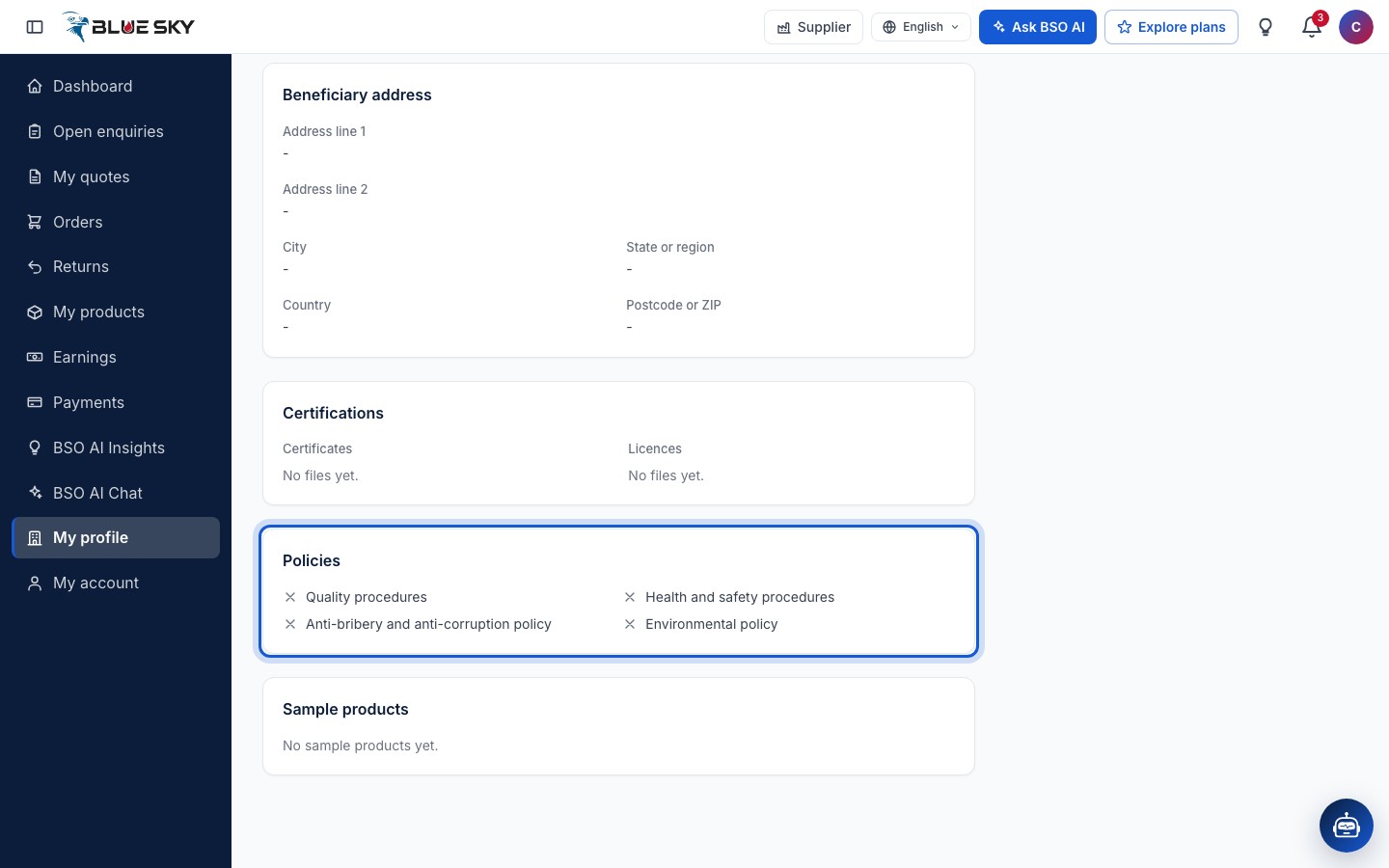
Below the header: Company details, Company address, Bank details (Account and IBAN show their last 4 characters only), Beneficiary address, Certifications (your Certificates and Licences), Policies (each of the four marked accepted or not), Sample products, About your company, a Your products card (Approved products appear in the public catalogue, with Manage my products and Open the catalogue) and Account and team, which points to My account for the password, team members, plans and account deletion.
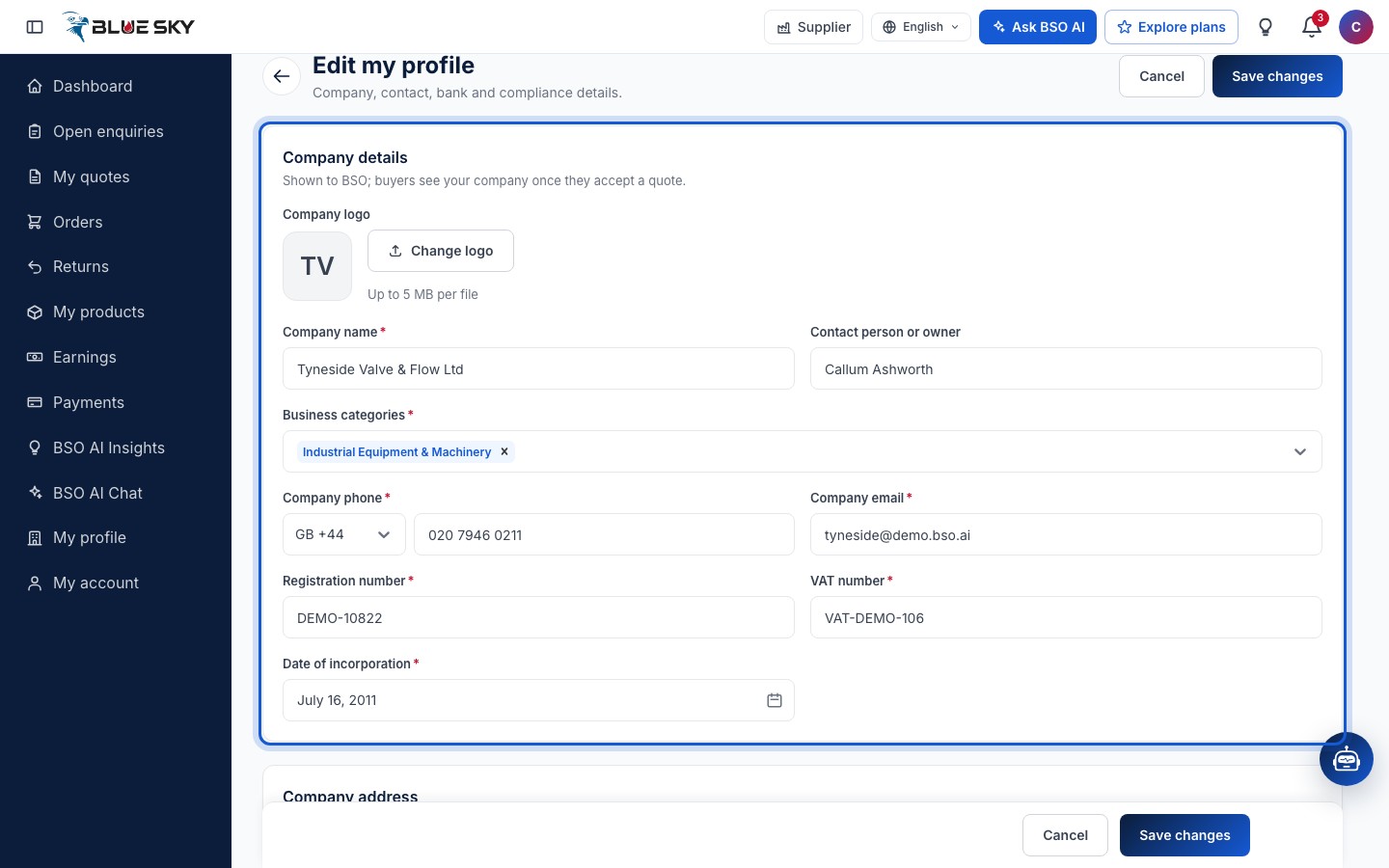
Click Edit profile
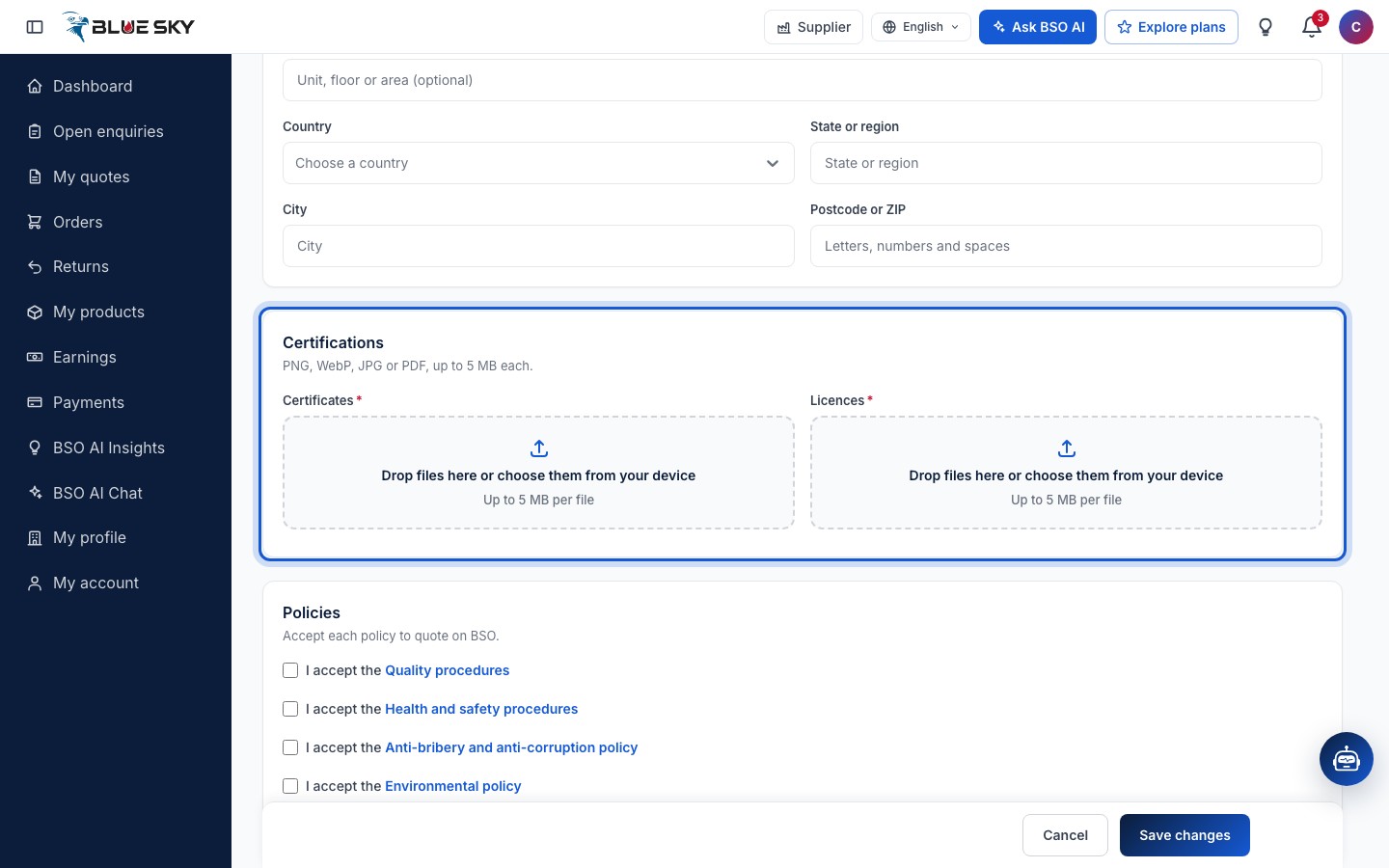
Edit my profile, at profile-supplier/edit, has the cards Company details (Shown to BSO; buyers see your company once they accept a quote), Company address, Contact (The person BSO and buyers deal with), Bank details (Where BSO sends your payouts), Bank address, Beneficiary address (Same as company address copies it), Certifications, Policies and Sample products. Fields marked required must be filled: the company name, business categories, phone, email, registration number, VAT number and date of incorporation, your name, phone and email, at least one certificate and one licence, at least one sample product, and all four policies ticked.
Certificates and licences
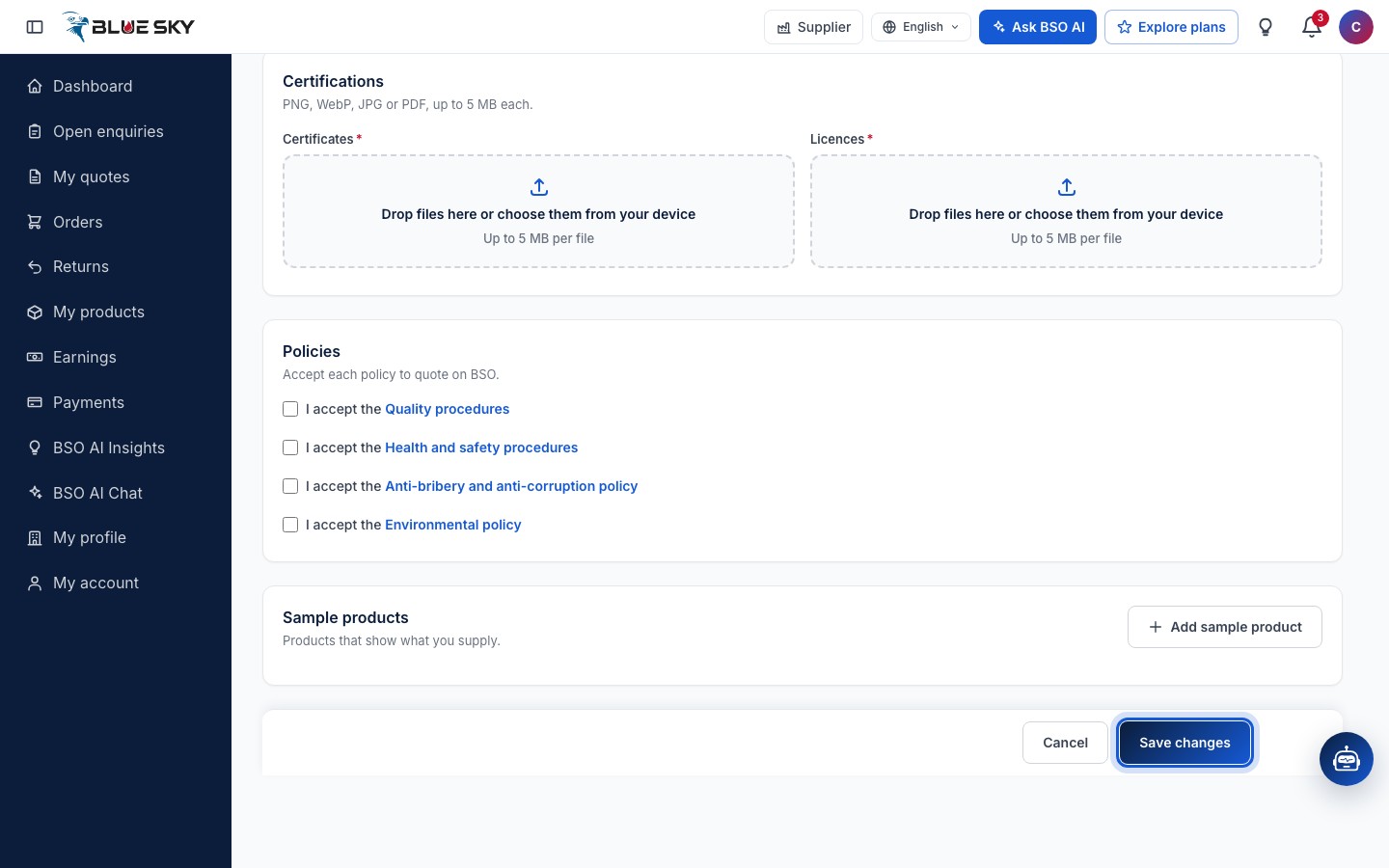
Under Certifications drop files on the Certificates and Licences boxes or choose them from your device: PNG, WebP, JPG or PDF, up to 5 MB each. Under Policies, each box opens the policy text; Accept ticks it (Accept each policy to quote on BSO). Sample products take a product name, a type and images; Add sample product adds another.
Save changes
Click Save changes at the bottom (Cancel leaves without saving). The page confirms Profile saved. and returns to My profile. Your email cannot be changed here because you sign in with it.
Good to know
- Your bank details are where BSO sends your payouts: check the account number, SWIFT code and IBAN before your first order is paid.
- Products are managed in My products, not on the profile; see Manage your products.
- Questions about your score or verification? Email support@bsoservices.ai, Monday to Friday 07:00 to 17:00 UK time.
Related guides
Still stuck? We are here.
Open BSO AI Chat inside the platform, or email the support team. Monday to Friday, 07:00 to 17:00 UK time.