

Every application you send (see Apply for a job) is listed on My applications with its status: Pending while the recruiter has not decided, Accepted when the recruiter accepts you, Rejected when they decline. The page also has a Withdrawn tab.
When a recruiter accepts or rejects your application you are told by email (an accepted application is called shortlisted there), and in the bell at the top of your dashboard if you allowed BSO notifications in your browser or on your phone. An invitation to apply for a job always shows in the bell.
Before you start
- A BSO account with the job seeker role, signed in.
Open My applications
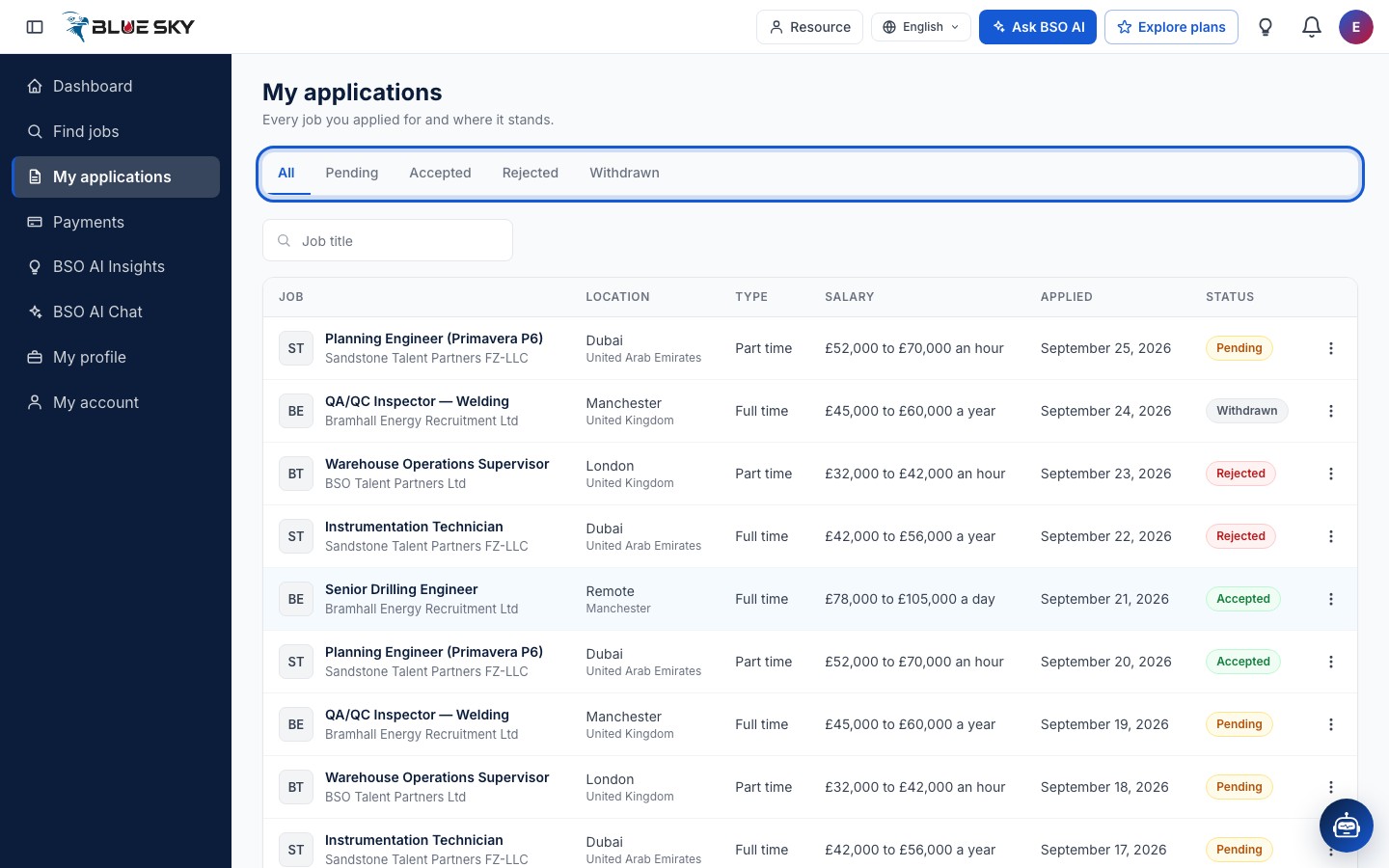
Open My applications from the left menu. The tabs All, Pending, Accepted, Rejected and Withdrawn filter the list by status. Each row shows the job and company, the location, the type of work, the salary, the date you applied and the status. The search box finds a job by its title.
See the jobs you were accepted for
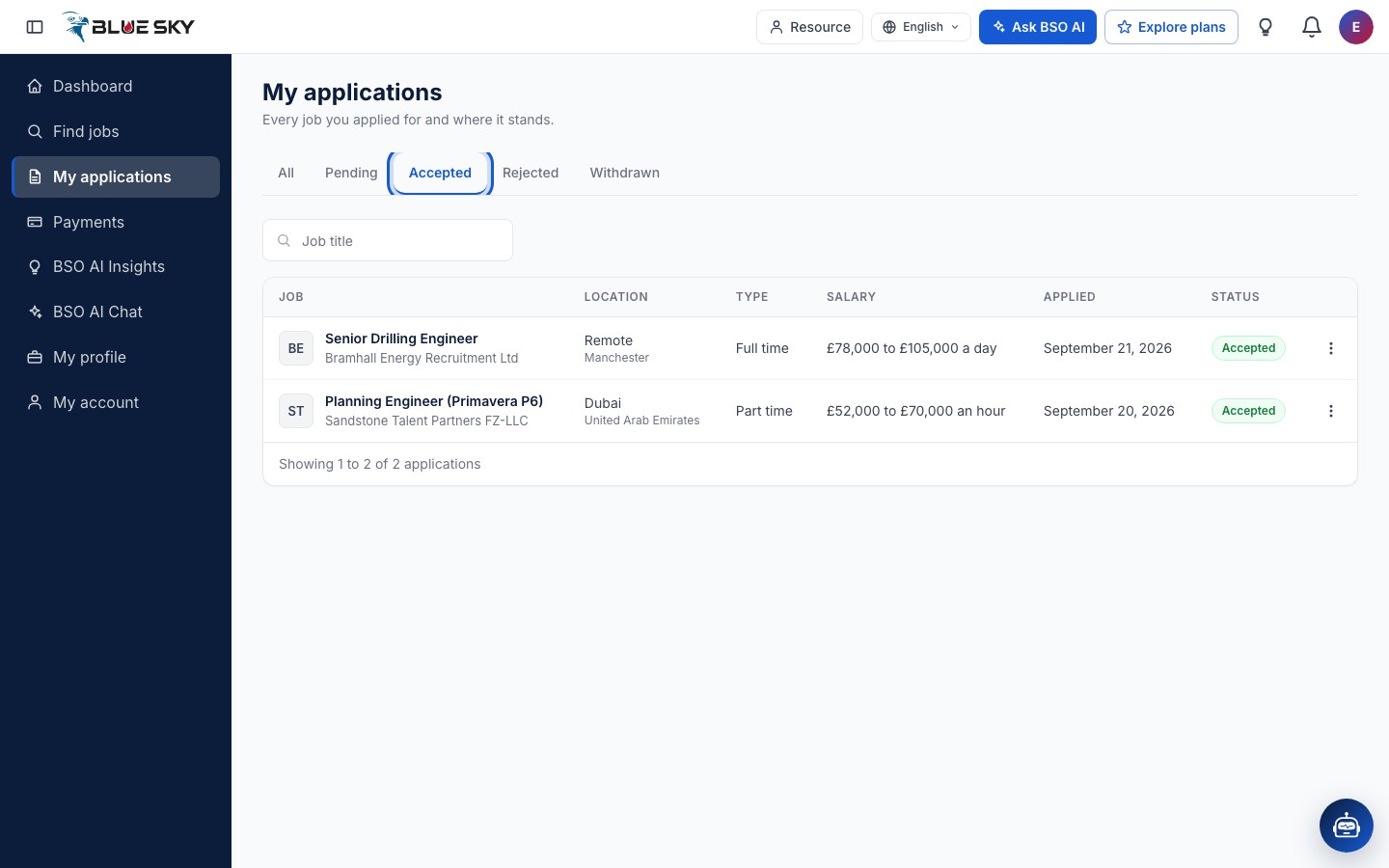
The Accepted tab lists the applications a recruiter accepted; these are the jobs you were hired for. The older address Hired positions opens the same tab. The Pending tab shows what is still waiting for an answer, Rejected what was declined.
Open an application
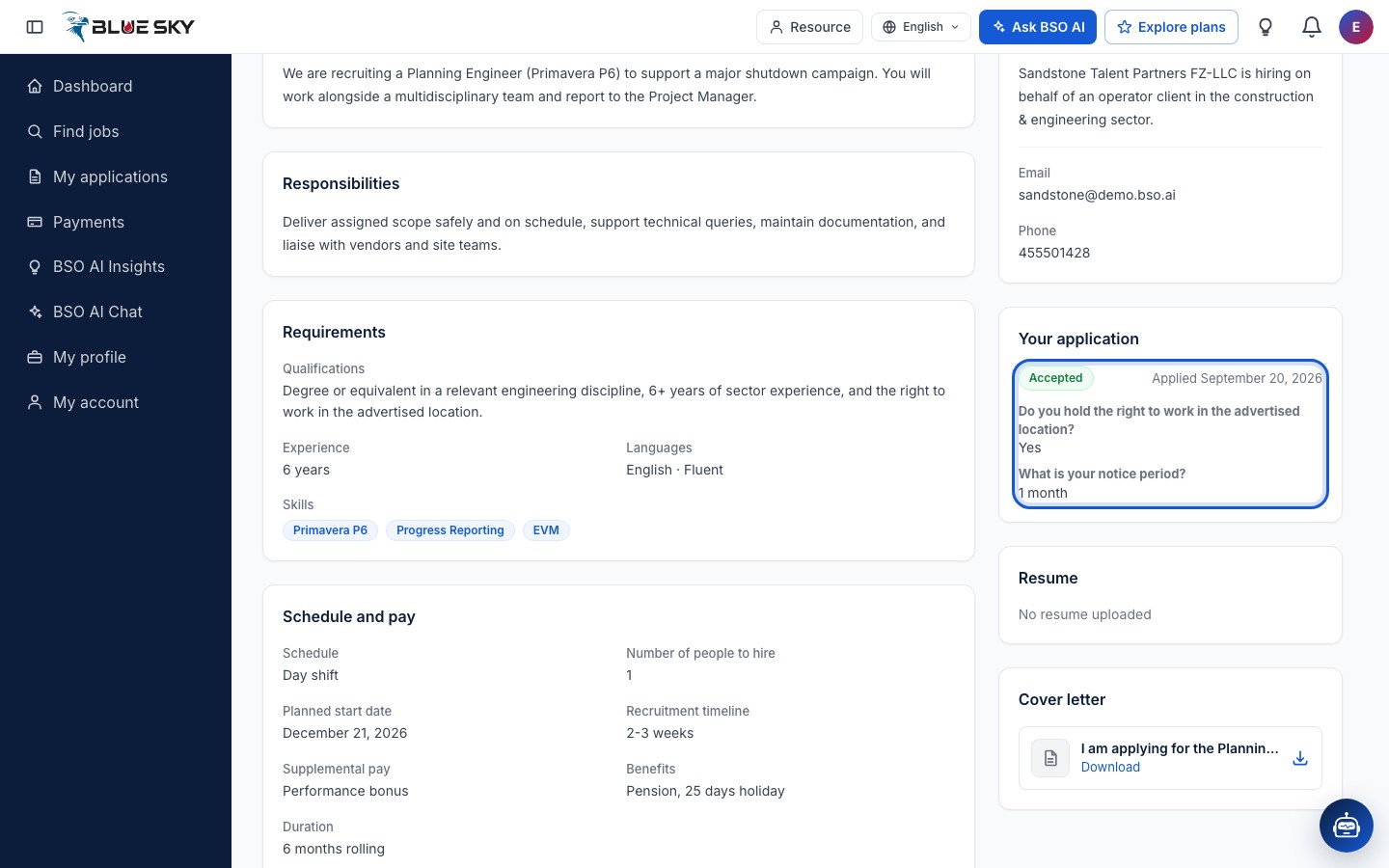
Click a row to open the job. The Your application card on the right shows the status, the date you applied and your answers to the screening questions; the Resume and Cover letter cards under it hold the files you sent. The Apply button at the top reads Applied. When the recruiter allowed it, the About the company card shows an email address and phone number you can use.
Watch the bell
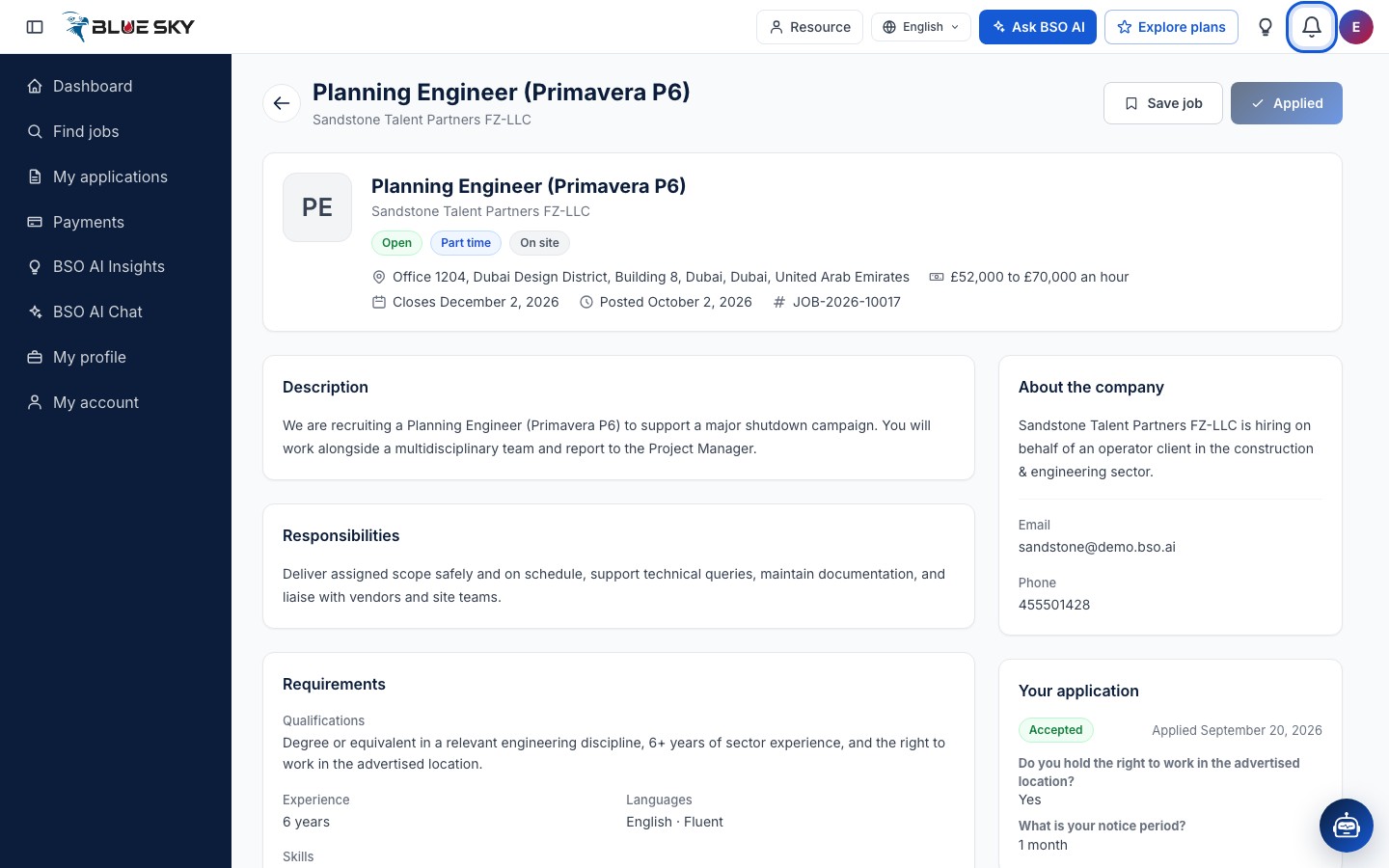
The bell at the top right of the dashboard, labelled Notifications, opens your latest notifications. A decision on an application appears there as Application shortlisted or Application rejected, followed by BSO Platform Careers, and opens My applications; shortlisted means the recruiter accepted your application. An invitation to apply for a job appears as You've been invited to apply for, followed by the job title, and opens that job page, where you apply as usual.
BSO AI also lists the jobs it matched you with, including the ones you were invited to, in the BSO AI job matches block on Find jobs and under BSO AI Insights in the left menu.
See every notification
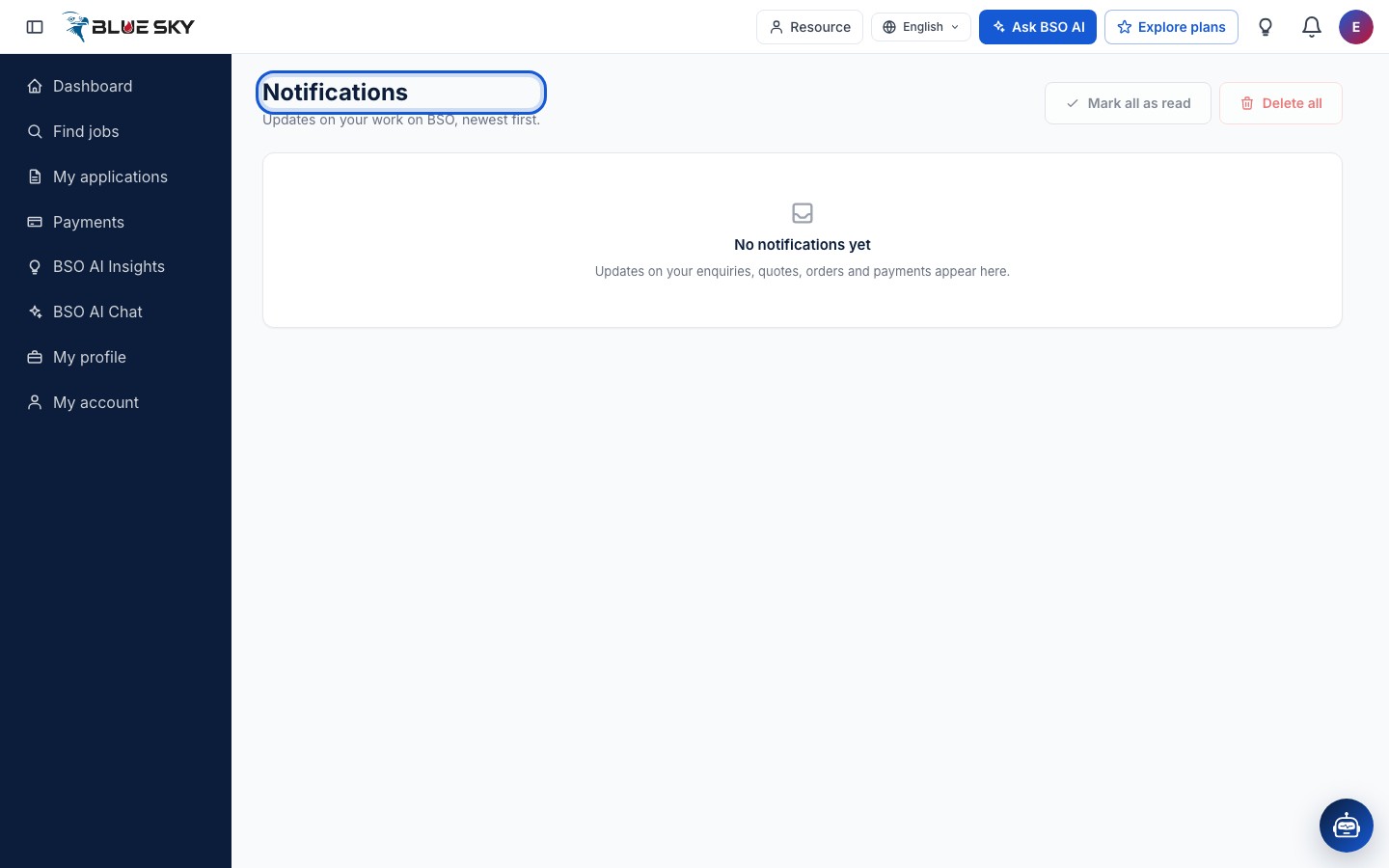
View All Notifications at the bottom of the bell opens the Notifications page, which lists everything newest first, with Mark all as read and Delete all; until something has arrived it says No notifications yet. What else arrives there is explained in Language and notifications.
Good to know
- A recruiter sees your email address and phone number once you have applied for one of their jobs, and may contact you directly. There is no chat on BSO.
- Recruiters can only invite you while your hiring status is Open to work: see List yourself as a job seeker.
- Looking for more roles? See Find and save jobs.
Related guides
Still stuck? We are here.
Open BSO AI Chat inside the platform, or email the support team. Monday to Friday, 07:00 to 17:00 UK time.